+62 Indonesia (Tdata+session) aircraft account
- Safe & secure
- Privacy protection
- Fast delivery
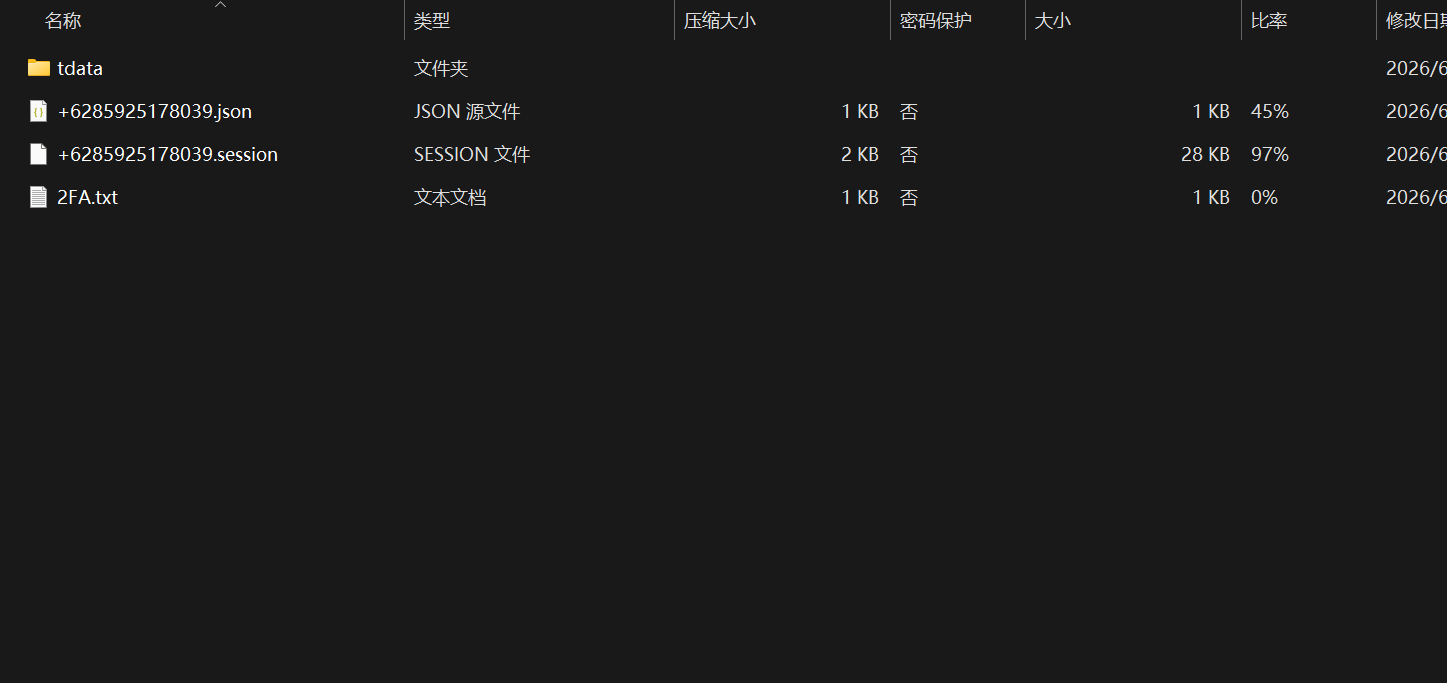
tdata file description
After purchasing and downloading, the compressed package usually contains:

Windows Login (required reading)
tdata Only supports Windows systems, macOS and other systems are not supported.
If Telegram is not installed yet, you can download the Windows 64-bit portable version (no installation required): https://telegram.org/dl/desktop/win64_portable
Mobile login method
Please complete the login on your Windows computer first, and then follow the steps below:
Note: Telegram official may charge for SMS verification, and some accounts require activation of membership to receive the verification code. If this happens, you can try the alternative client below.
Alternatives when verification code is not received
| Equipment | Recommended client | Download address |
|---|---|---|
| Android | Telegram X | https://github.com/TGX-Android/Telegram-X/releases |
| iPhone | Nicegram | https://nicegram.app/ |
Use the above client and enter the number to log in; the verification code will still be pushed to the Windows desktop first.
Kind tips